
Turn a booking confirmation into a calendar event
Screenshot the booking email or confirmation. Check the client, date, time and location before you save.
Scan with your iPhone camera to open the App Store
How to do it
- 1
Screenshot the confirmation
Take a screenshot of the booking email or the confirmation page. Keep the date, time and location in the frame.
- 2
Check the draft
Compare the client name, date, time and location with the confirmation.
- 3
Save or export
Save to Apple Calendar, open in Google Calendar, or share an .ics file for Outlook.
Key features
Client details
Reads the client name, location and shoot time when the confirmation shows them.
Location details
Keeps the shoot location in the event draft.
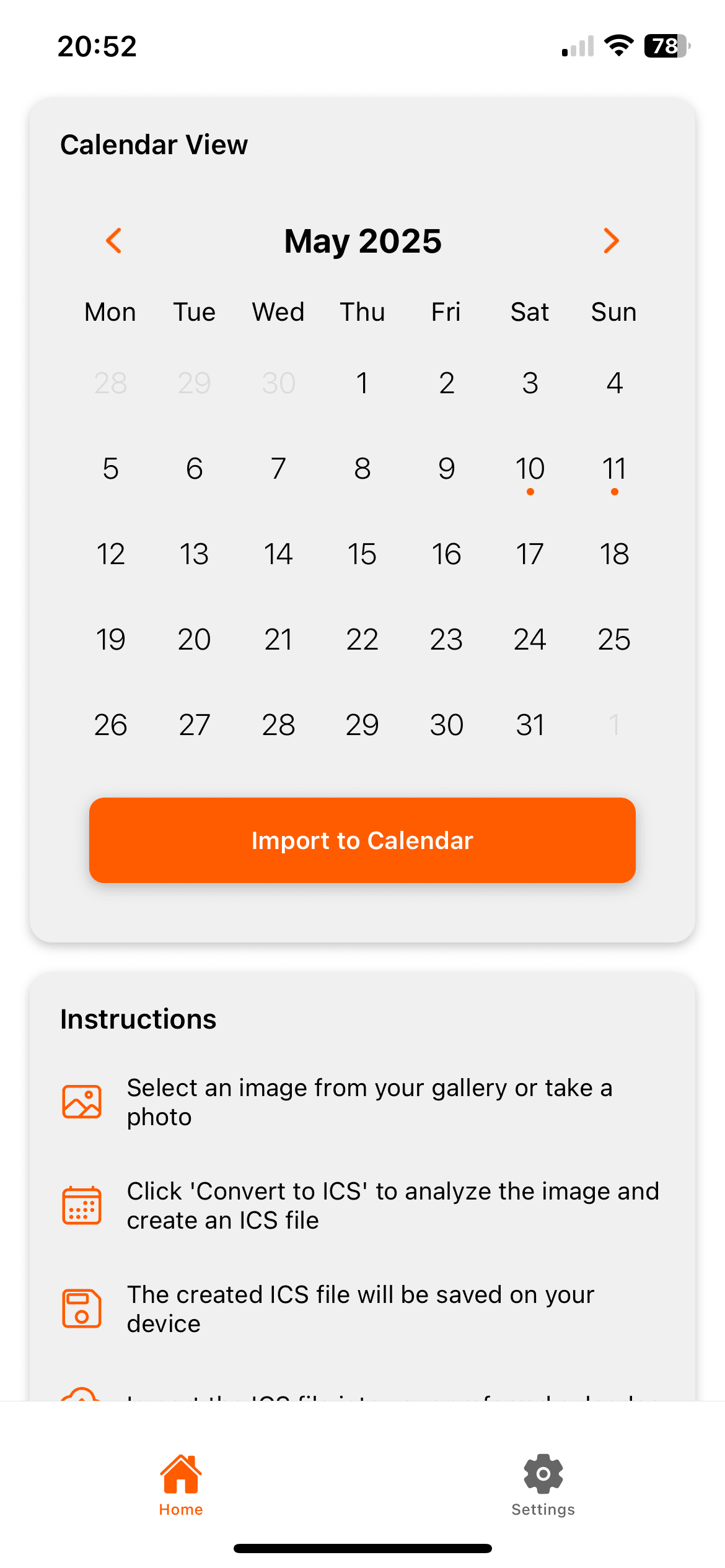
How it works
Photo2Calendar moves the details into your calendar so you do not have to type them. Take a photo or screenshot, check what the app found, and save the event.
- Use a photo or screenshot instead of retyping dates and times
- Check the details on the review screen before anything is saved
- Add to Apple Calendar or Google Calendar, or share an .ics file for Outlook
Photo2Calendar is an iPhone and iPad app. It reads photos, screenshots and PDFs up to 10 MB. Check the date, time, year and location before you save.
Check before saving
- The client name in the event title.
- The shoot start time and length.
- The shoot location or address.
- The date format. 03/04 can mean March 4 or April 3.
Frequently asked questions
Does it work with email screenshots?
Yes. Take a screenshot of the booking email, open it in Photo2Calendar, and check the client name, date, time, and location before you save.
Does Photo2Calendar sync bookings or show my availability?
No. It is not booking software. It reads a screenshot of a booking confirmation and creates an event draft you review before saving.
Can I add the booking to Google Calendar?
Yes. Tap Open in Google Calendar in the app. Photo2Calendar opens the event in Google Calendar, where you save it.
More examples
- Wedding invitationAdd the wedding date, venue and RSVP deadline from the invitation to your calendar.
- Travel itineraryScan a travel itinerary from a PDF, screenshot or printout and check each flight, hotel and tour before saving.
- Handwritten noteTurn dates and plans from handwritten notes into calendar events you check before saving.
Put it on your calendar without typing it out
Free download with one free test scan during setup. Saving events needs a subscription: $1.99 a week, $4.99 a month, or $29.99 a year. No free trial.
Download on the App Store