
Turn Handwritten Notes into Calendar Events
Our AI can read clear handwriting. Snap a photo of your notes and review the draft before you save or export.
Scan Handwritten Note
Scan with iPhone
Key features
1
Handwriting Details
Reads clear handwritten dates and plans when they are visible.
2
Date and Time Details
Review phrases such as "next Tuesday" or "tomorrow at 5" before you save.
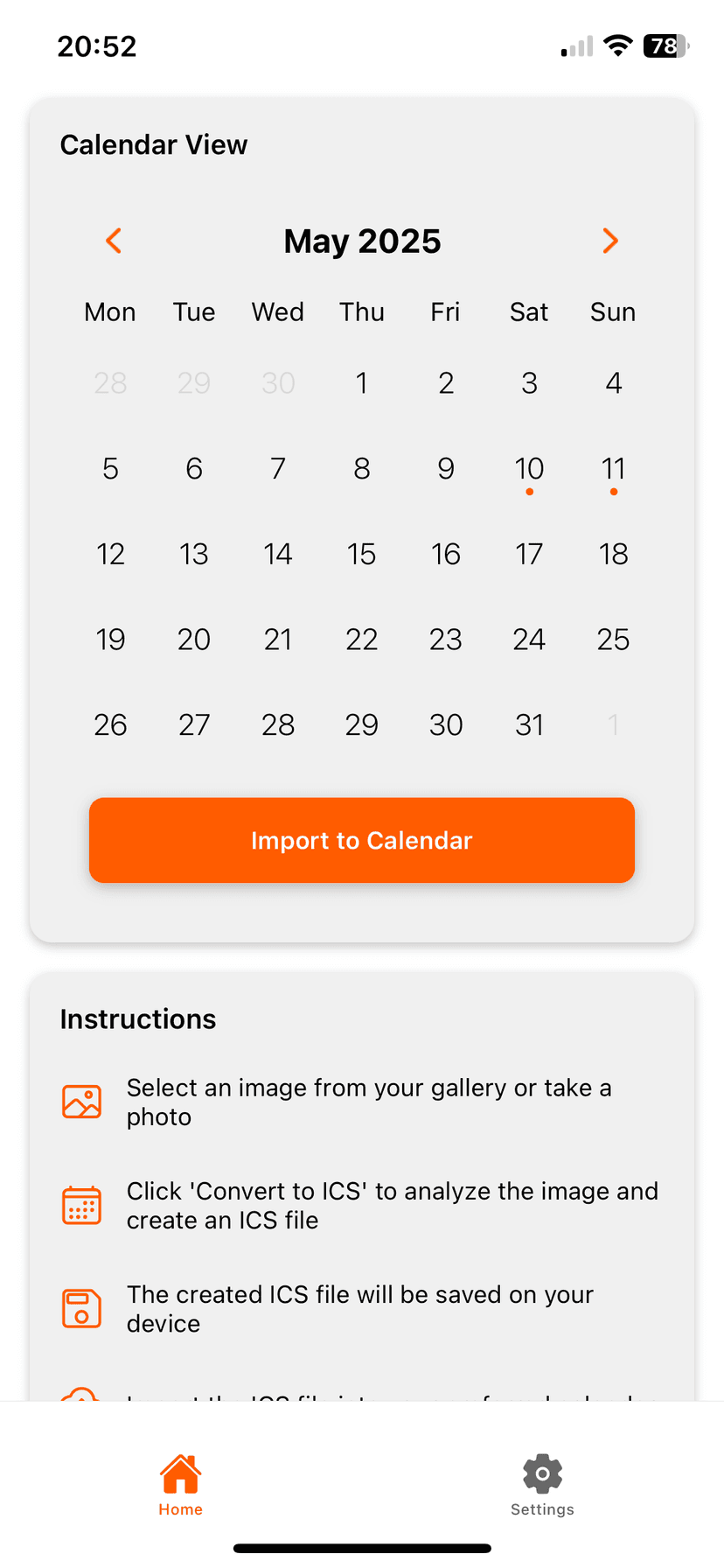
How it works
Photo2Calendar helps you move the details into your calendar without typing everything by hand. Take a photo or screenshot, review what the app found, and save the event to the calendar you already use.
- Use a photo or screenshot instead of retyping dates and times
- Check the details before anything reaches your calendar
- Works with Apple Calendar, Google Calendar, Outlook, and other calendar apps
Frequently Asked Questions
What if my handwriting is very messy?
Clear writing and good light work better. Review every extracted event before you save.
Put it on your calendar without typing it out
Download Photo2Calendar free, then choose weekly, monthly, or yearly full access.
Download on the App Store