PDF to calendar on iPhone: screenshot the page, then scan it
School, sports, and work schedules often arrive as PDF files. Here is how to get their dates into your iPhone calendar.
Reviewed by Photo2Calendar Editorial Team · Editorial Team
Last updated: 2026-11-01
The Photo2Calendar Editorial Team explains the app workflow and links to platform sources where available.
Photo2Calendar: Calendar Scan is an iPhone and iPad app (App Store ID 6736373394). There is no Android or web version.
Quick answer
Photo2Calendar does not open PDF files. Open the PDF, zoom in on the page with the dates, take a screenshot, and scan the screenshot. One screenshot can hold several events.
Can I import a PDF schedule directly?
No. Photo2Calendar reads photos and screenshots, not PDF files. Take a screenshot of the PDF page and scan the screenshot.
What about multi-page PDFs?
Take one screenshot per page and scan the screenshots one at a time. Check the events from each page before you save them.
Does this work for school or sports PDF schedules?
Yes. Screenshot each page of the schedule and check that every class, game, or shift has its own event on the review screen.
See the school schedule guide and the work roster guide.
Step by step
1. Open the PDF in Files or Mail
Open the PDF on your iPhone or iPad, for example from the Files app or as an attachment in Mail. Zoom in so the dates and times are easy to read.
2. Take one screenshot per page
Take a screenshot of each page that has dates on it. Make sure the month, the year, and the column headers are visible.
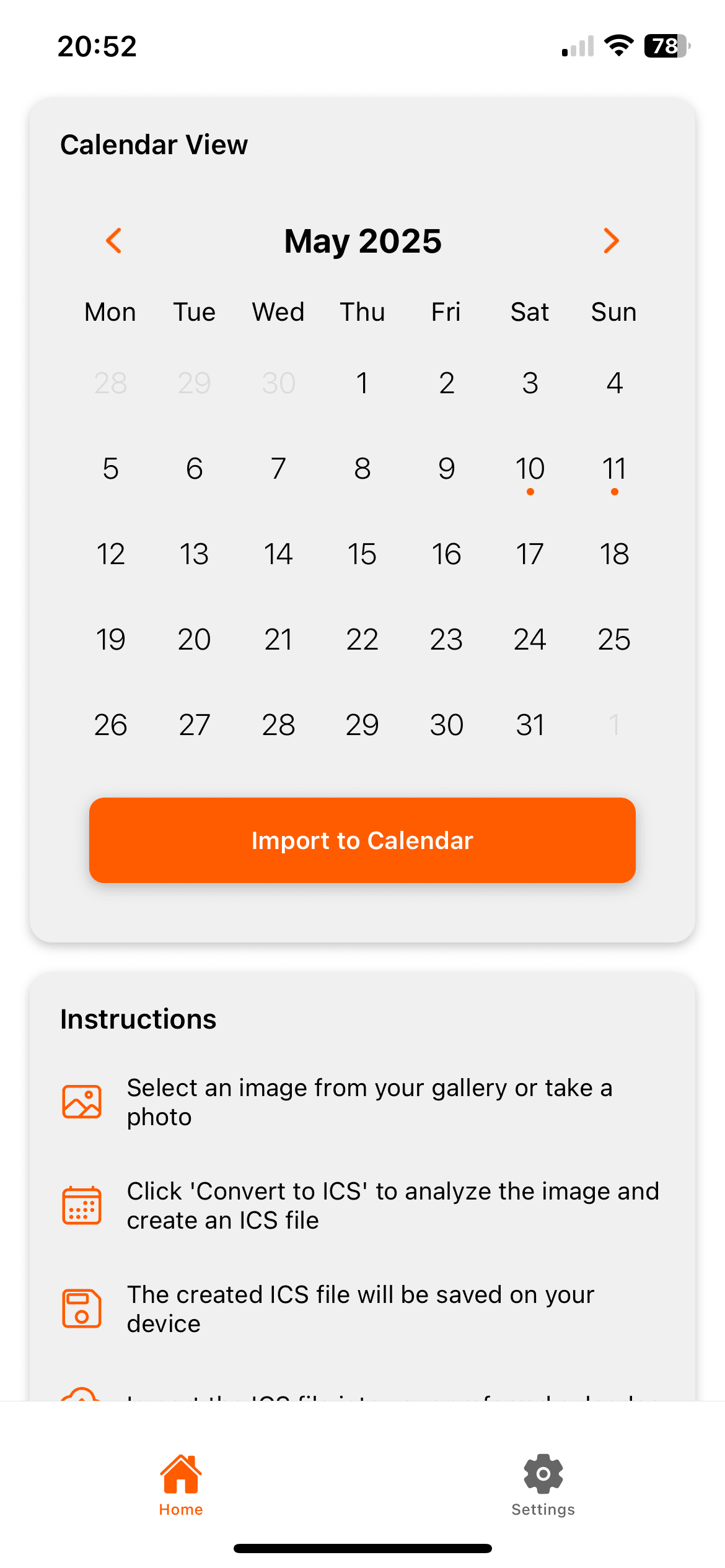
3. Scan the screenshot
Open Photo2Calendar and pick the screenshot. The app reads the title, date, time, and place of each event it finds.
4. Check each event on the review screen
Compare every event with the PDF: title, date, year, start and end time, and place. Fix anything that is wrong before you save.
5. Save to Apple Calendar or export .ics
Save the events to Apple Calendar, or export an .ics file. To add the events to Google Calendar, import the .ics file on a computer.
More frequently asked questions
The key questions for this guide are answered above.
Sources & references
These references support the calendar standards and platform workflows mentioned on this page.
Get Photo2Calendar on the App Store
For iPhone and iPad with iOS 17 or later. Free download with one free test scan during setup. Saving events needs a subscription: $1.99 a week, $4.99 a month, or $29.99 a year. No free trial.