
Calendar App With Photos vs. an App That Reads Photos
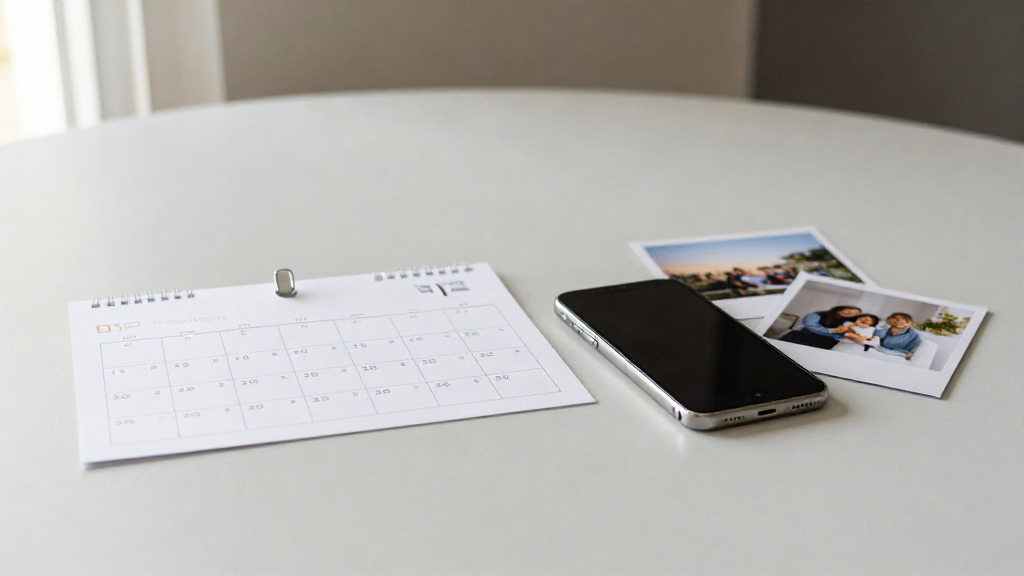
Type "calendar app with photos" into a search box and you get two very different products back. One lets you attach a picture to an event you already created. The other reads the date and time out of a picture for you. They sound the same. They solve different problems.
Two problems hiding behind one phrase
If you want your calendar to look better, you have one need. If you want to stop retyping dates from a flyer, you have another. The phrase "calendar app with photos" covers both jobs, so it is worth slowing down for five minutes and naming the problem you actually have.
What a calendar app with photos does
A calendar app with photos starts with an event that already exists. You created it, or someone shared it, and now you want an image on it - a photo of the venue, a picture from the party invite, a logo for a recurring meeting.
That is a decoration and context job. Adding a photo makes an event easier to recognize when you scroll past it weeks later. The app does not read anything from your image. You still type the title, the time, and the place yourself.
This is the meaning most people have in mind when they search the phrase: a calendar you can personalize with pictures.
What an app that reads photos does
An app that reads photos works the other way around. The image comes first, and the calendar event comes out of it.
You point the camera at a school flyer, a shift schedule, a paper invitation, or a screenshot of a message. The app finds the title, the date, the time, and the place inside that image and builds a calendar event from them.
Photo2Calendar is built for this second job. It runs on iPhone and iPad (iOS 17 or later). It handles several events in one image, so a single timetable photo can produce a whole week of entries. It works on flyers, posters, invitations, school timetables, work rosters, paper calendars, handwritten notes, and screenshots.
You review every detail before you save - the title, the date, the time, the place - and you can edit any of it. Then you save to Apple Calendar, open the event in Google Calendar, or share an .ics file for Outlook and other calendar apps.
A quick way to tell which one you need
Ask yourself one question: is the date already in my calendar, or is it still trapped in a picture?
If the event is already there and you only want a photo on it, you need a calendar app with photos. You are decorating, not capturing.
If the date is sitting in a photo, a screenshot, or a flyer and you have not entered it anywhere yet, you need an app that reads photos. You are capturing. Retyping is the thing you want to avoid.
Many people who search "calendar app with photos" want the first thing. Some of them actually need the second. That mix-up is the reason this comparison exists.
Where Photo2Calendar is strong, and where it is not
Photo2Calendar is strong at capture. It is built to pull dates and times out of images, including images that contain several events, and to get them into the calendar you already use.
It is not a photo-decorating app. It does not exist to put pictures on events you have already made. If that is your goal, a general calendar that supports image attachments will serve you better, and Photo2Calendar will feel like the wrong tool for the job.
It also comes with honest limits. Images are processed on a server, not on your device. Blurry photos and handwriting can lead to missed or wrong details, which is exactly why the app shows you every field and asks you to check before you save. Scanning and export need a paid subscription: $1.99 per week, $4.99 per month, or $29.99 per year at US prices. There is no free trial.
Pick the problem, then the app
Decide which problem is yours before you pick an app. If you want a better-looking calendar and your events are already booked, choose a calendar app with photos. If you want to stop retyping dates that live inside images, choose a photo-to-calendar app.
They are not really competitors. They are answers to two different questions. Name your question, and the right app becomes clear.
If your dates keep arriving as pictures - flyers, rosters, invitations, screenshots - then the problem you are solving is capture. That is the one Photo2Calendar is built for.