
Hochzeitseinladungen in den Kalender scannen
Erstelle aus einer digitalen oder Papier-Einladung einen Termin-Entwurf. Prüfe Datum, Zeit und Ort vor dem Speichern.
Einladung scannen
Scan with iPhone
Die wichtigsten Funktionen
1
Ortsdetails
Liest den Ort, wenn er in der Einladung sichtbar ist.
2
Antwortdetails
Prüfe sichtbare Antwortfristen vor dem Speichern oder Exportieren.
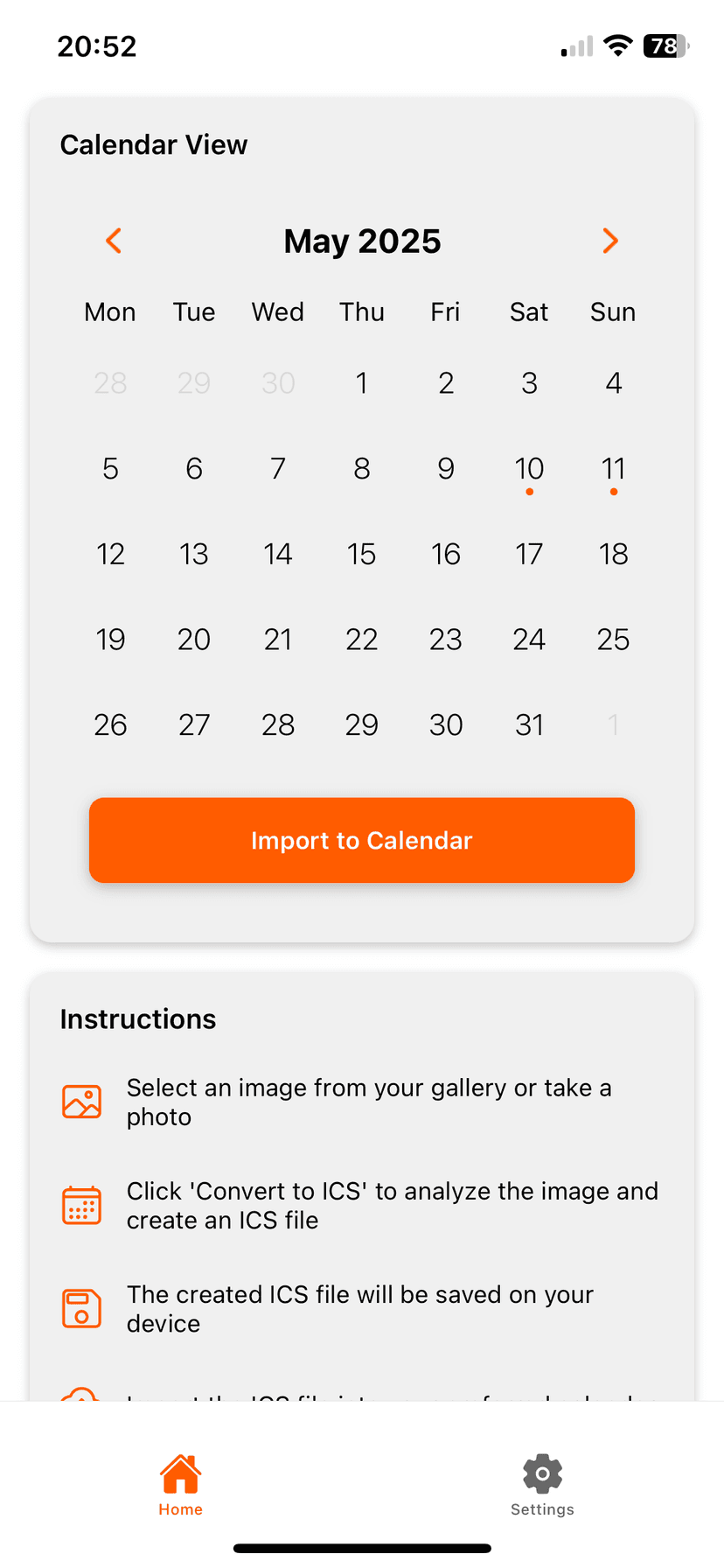
So funktioniert es
Photo2Calendar hilft dir, die Details ohne Abtippen in deinen Kalender zu bringen. Mach ein Foto oder einen Screenshot, prüfe, was die App erkannt hat, und speichere den Termin in dem Kalender, den du schon nutzt.
- Foto oder Screenshot statt Datum und Uhrzeit abtippen
- Details prüfen, bevor etwas in deinem Kalender landet
- Funktioniert mit Apple Kalender, Google Kalender, Outlook und anderen Kalender-Apps
Häufige Fragen
Funktioniert es mit Schreibschriften?
Klare Schrift ist leichter zu verarbeiten. Prüfe Datum, Zeit und Ort vor dem Speichern.
In den Kalender, ohne alles abzutippen
Lade Photo2Calendar kostenlos und wähle dann Vollzugriff pro Woche, Monat oder Jahr.
Im App Store laden