
Transformez votre Planning en Événements
Prenez une photo de votre planning. Vérifiez les horaires et les lieux avant l’enregistrement ou l’export.
Numériser mon Planning
Scan with iPhone
Fonctions clés
1
Détails des horaires
Lit les heures de début et de fin qui sont visibles.
2
Détails du lieu
Conserve les adresses visibles dans le brouillon.
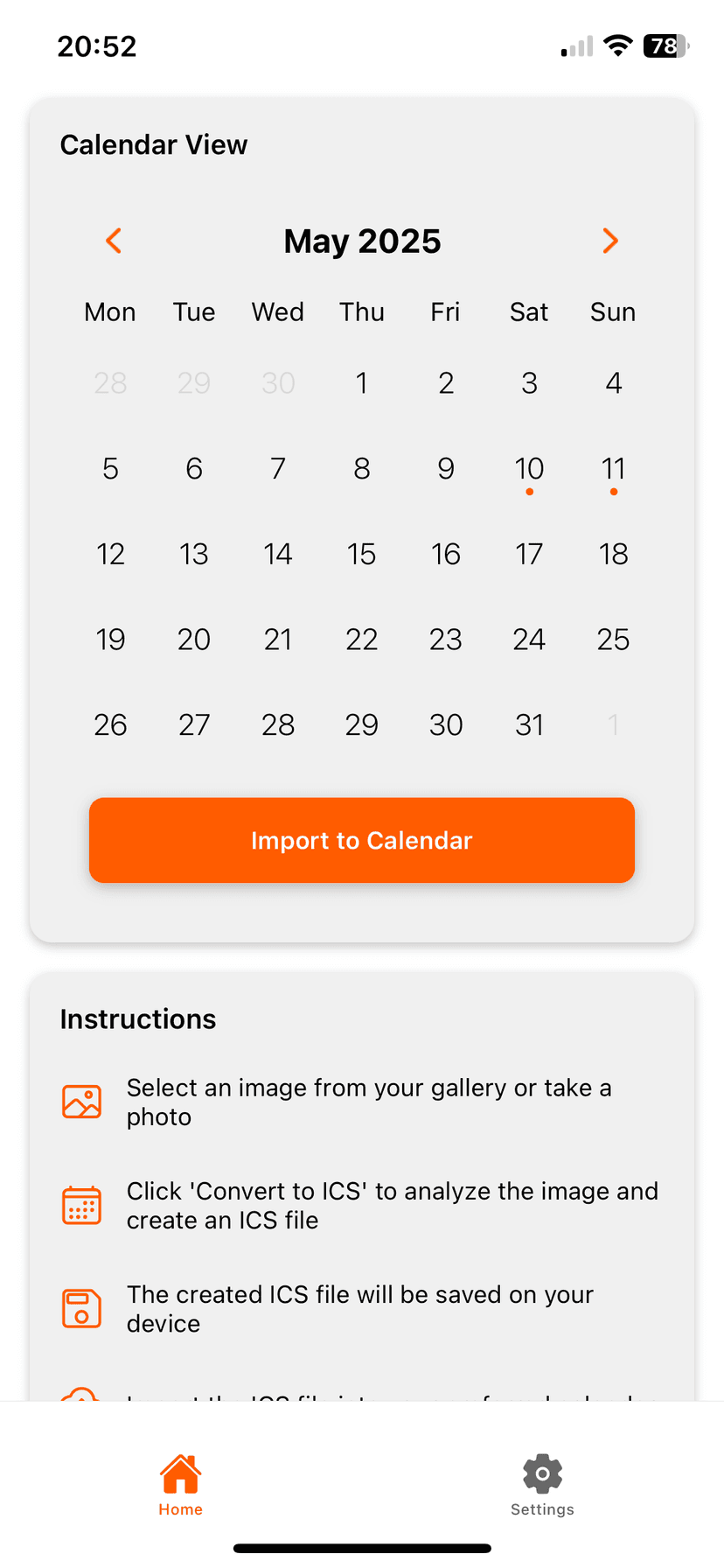
Comment ça marche
Photo2Calendar vous aide à reporter les détails dans votre calendrier sans tout retaper. Prenez une photo ou une capture d’écran, vérifiez ce que l’app a trouvé et enregistrez l’événement dans le calendrier que vous utilisez déjà.
- Une photo ou une capture d’écran plutôt que de retaper dates et heures
- Vérifiez les détails avant que quoi que ce soit n’arrive dans votre calendrier
- Fonctionne avec Calendrier Apple, Google Agenda, Outlook et d’autres apps de calendrier
Questions fréquentes
Est-ce que ça marche avec des plannings manuscrits ?
Une écriture claire fonctionne mieux. Vérifiez chaque date, heure et lieu avant l’enregistrement.
Mettez-le dans votre calendrier sans le retaper
Téléchargez Photo2Calendar gratuitement, puis choisissez l’accès complet hebdomadaire, mensuel ou annuel.
Télécharger dans l’App Store