
Dein Kühlschrank-Kalender, jetzt digital
Foto vom Wandplaner machen und die Termin-Entwürfe vor dem Speichern oder Exportieren prüfen.
Wandplaner scannen
Scan with iPhone
Die wichtigsten Funktionen
1
Mehrere Termindetails
Ein Foto kann mehrere sichtbare Termindetails enthalten. Prüfe jeden Entwurf.
2
Kalenderdatei exportieren
Exportiere geprüfte Termindaten für deinen Kalender.
So funktioniert es
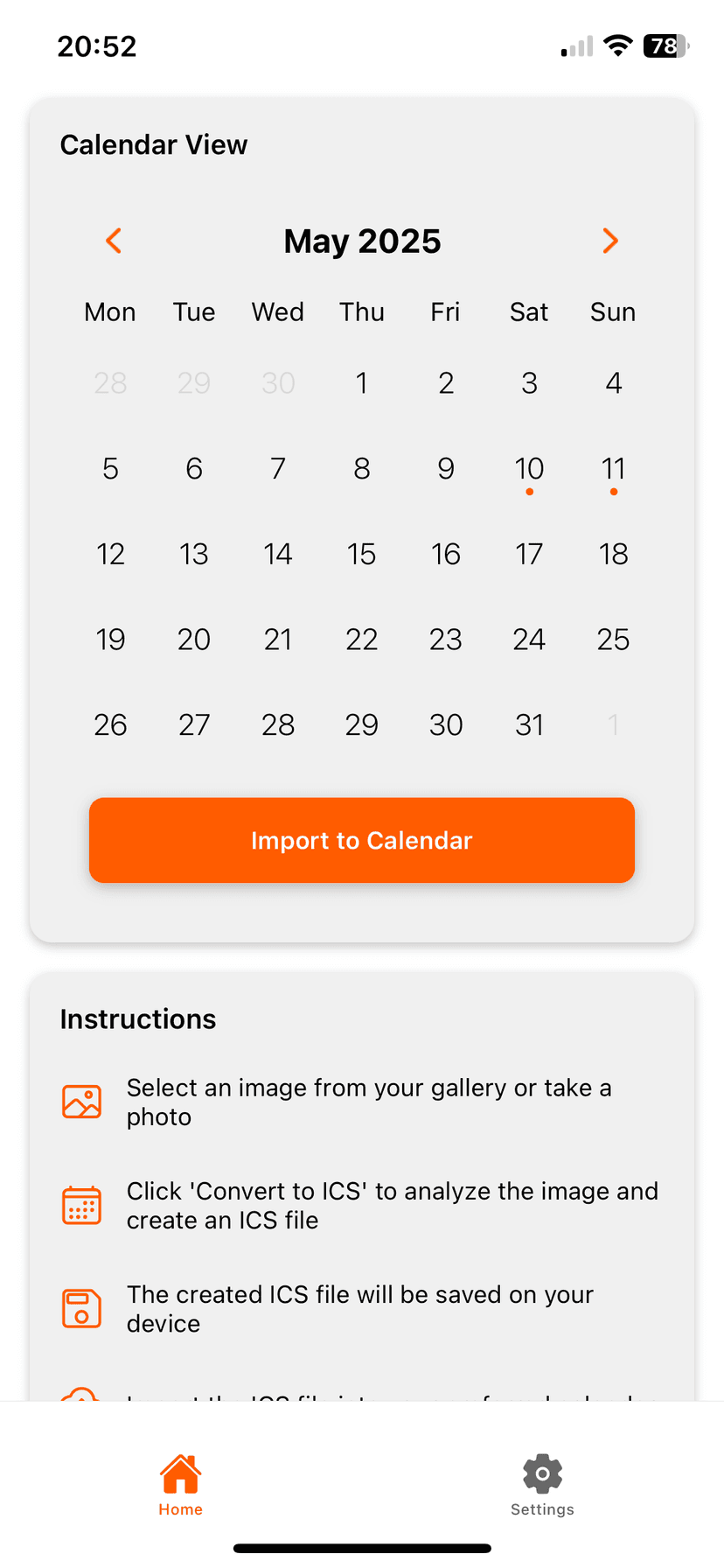
Photo2Calendar hilft dir, die Details ohne Abtippen in deinen Kalender zu bringen. Mach ein Foto oder einen Screenshot, prüfe, was die App erkannt hat, und speichere den Termin in dem Kalender, den du schon nutzt.
- Foto oder Screenshot statt Datum und Uhrzeit abtippen
- Details prüfen, bevor etwas in deinem Kalender landet
- Funktioniert mit Apple Kalender, Google Kalender, Outlook und anderen Kalender-Apps
Häufige Fragen
Funktioniert es mit Whiteboard-Kalendern?
Klare Schrift und gutes Licht helfen. Prüfe jeden Termin vor dem Speichern.
In den Kalender, ohne alles abzutippen
Lade Photo2Calendar kostenlos und wähle dann Vollzugriff pro Woche, Monat oder Jahr.
Im App Store laden