Turn photos and screenshots into calendar events on iPhone

Photo2Calendar scans flyers, invitations, schedules, and planner photos so you can review calendar event drafts without typing every field by hand.

Free download · Weekly, monthly, or yearly plans · 7-day yearly trial if eligible

P

Photo2Calendar

The photo to calendar app for iPhone
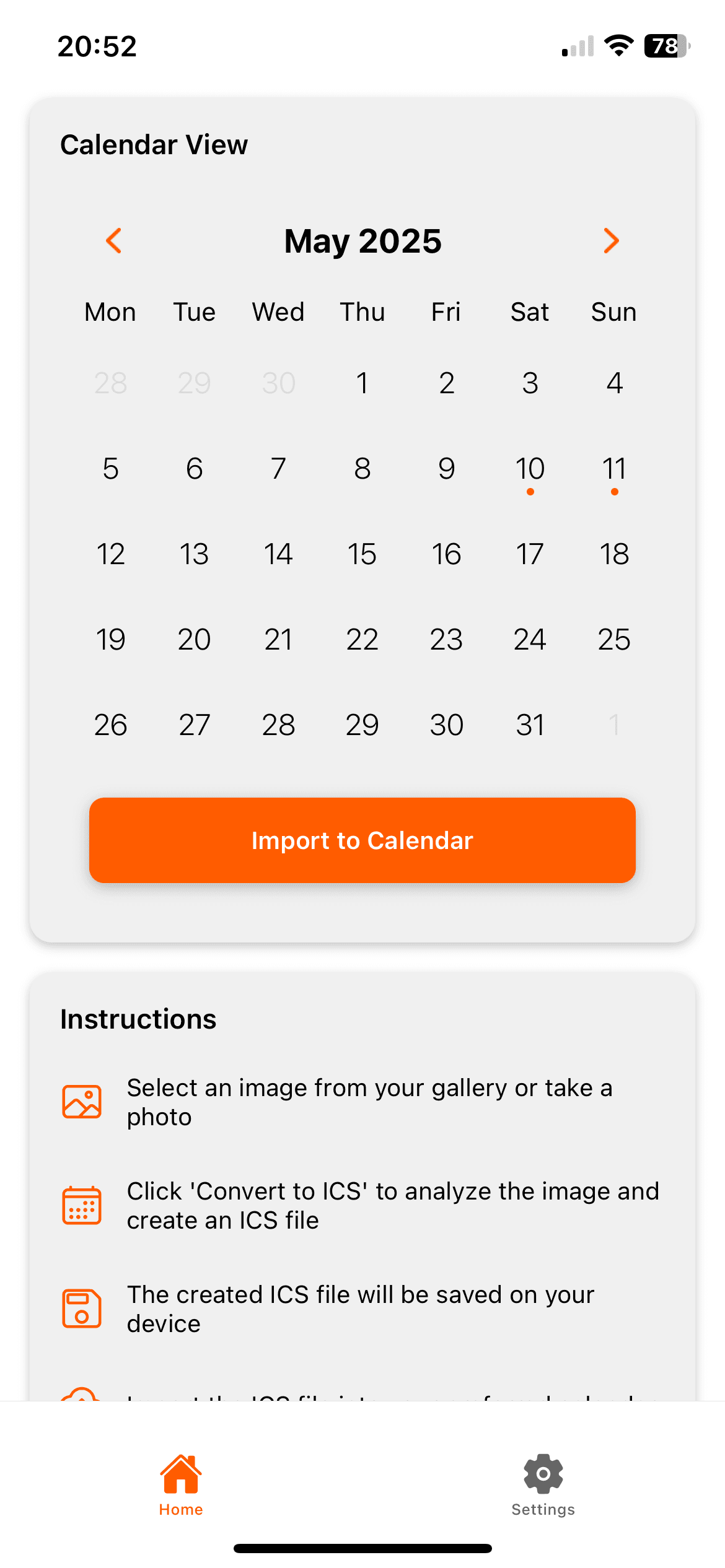
Photo2Calendar app screenshot

What the app does

1Scan photos, screenshots, and printed schedules for review
2Export standard ICS files for compatible calendar apps
3Free download, flexible plans, and a 7-day yearly trial for eligible new subscribers
4Built for invites, school plans, travel itineraries, and work rosters

Free download · Weekly, monthly, or yearly plans · 7-day yearly trial if eligible

How the workflow works

Choose a clear photo or screenshot. The app reads the title, date, time, location, and notes from the image.

Review the extracted details before you save. You stay in control and can correct any field.

Built for common schedule images

Photo2Calendar helps when event details exist only as an image. This saves time for family, school, travel, and work schedules.

  • Invitations and event flyers
  • Class timetables and work rosters
  • Travel plans, tickets, and booking screenshots
  • Clear handwritten notes with dates and times

Review and export

Edit any field after the scan. Then export a standard ICS file for Apple Calendar, Google Calendar, Outlook, or another compatible calendar app.

Download Photo2Calendar on the App Store

Free download · Weekly, monthly, or yearly plans · 7-day yearly trial if eligible

Photo2Calendar App for iPhone | Turn Photos into Calendar Events